





How do I log into the app?
BACK TO TOP
Please follow the below step-by-step instructions (see below) to log in the app:
- Download the app using the link below:
If your operating system is iOS, tap here to download the app on the App Store.
If your operating system is Android, tap here to download the app on the Google Play. - Open the app and tap the Login button on the app’s opening screen as shown below:

3. Enter your account details:
email:
password: The password you set.
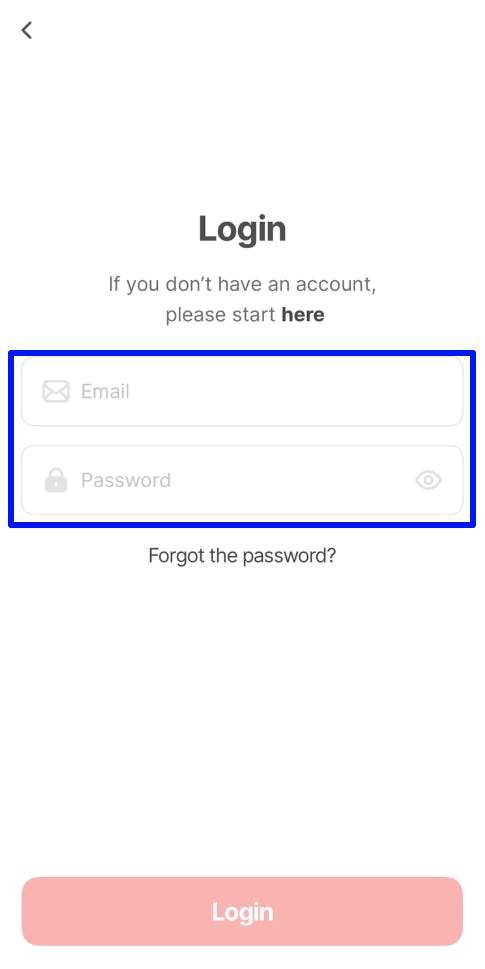
Tap on the Login button to log in to your account, as shown above.
The app should let you in and take you to the Dashboard.